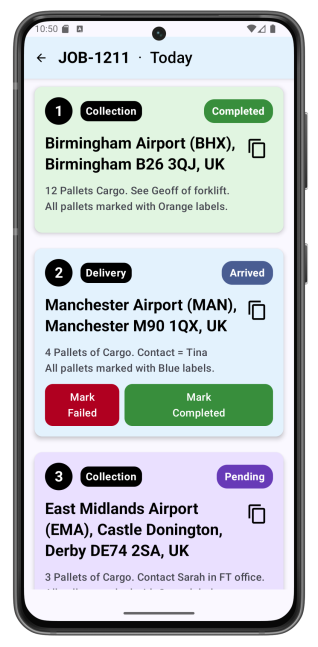
How LoadHub Fleet works — from login to job complete.
Getting a driver set up
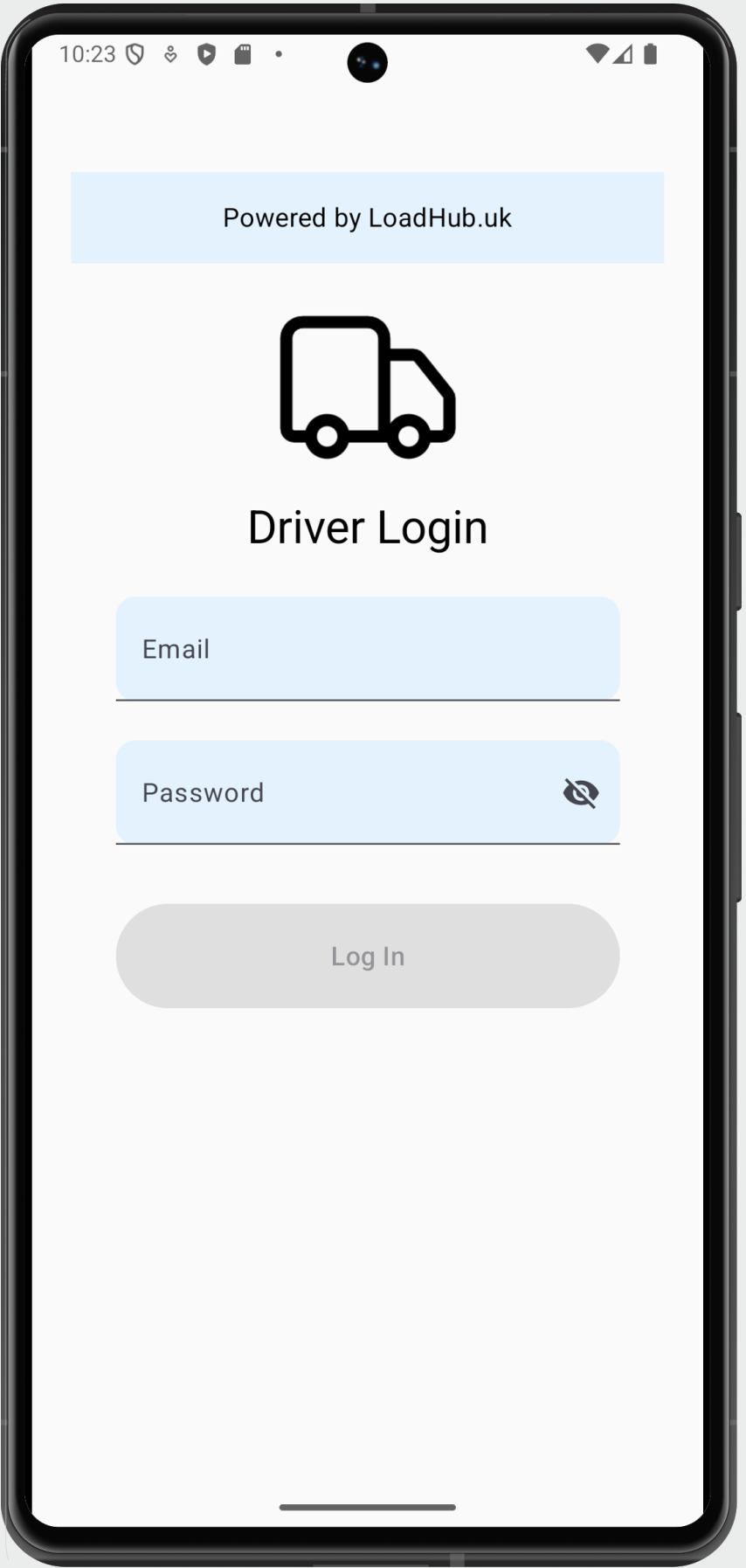
The planner creates a driver profile and sets a password — the driver logs in with their mobile number. No email, no account creation.
How the driver sees their jobs
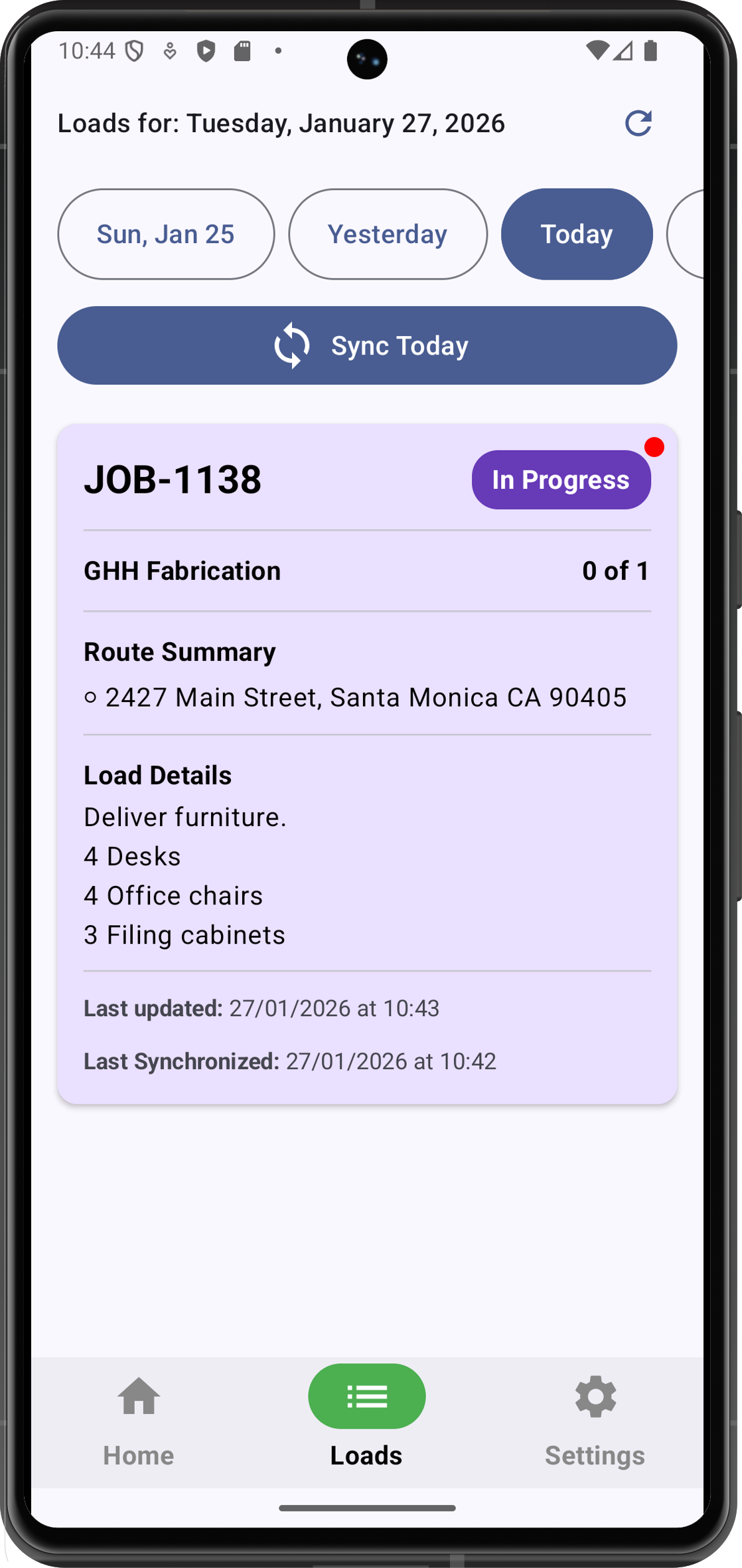
Jobs assigned to the driver appear automatically in the app — stops in sequence, load details, and any notes from the planner.
Navigating to each stop
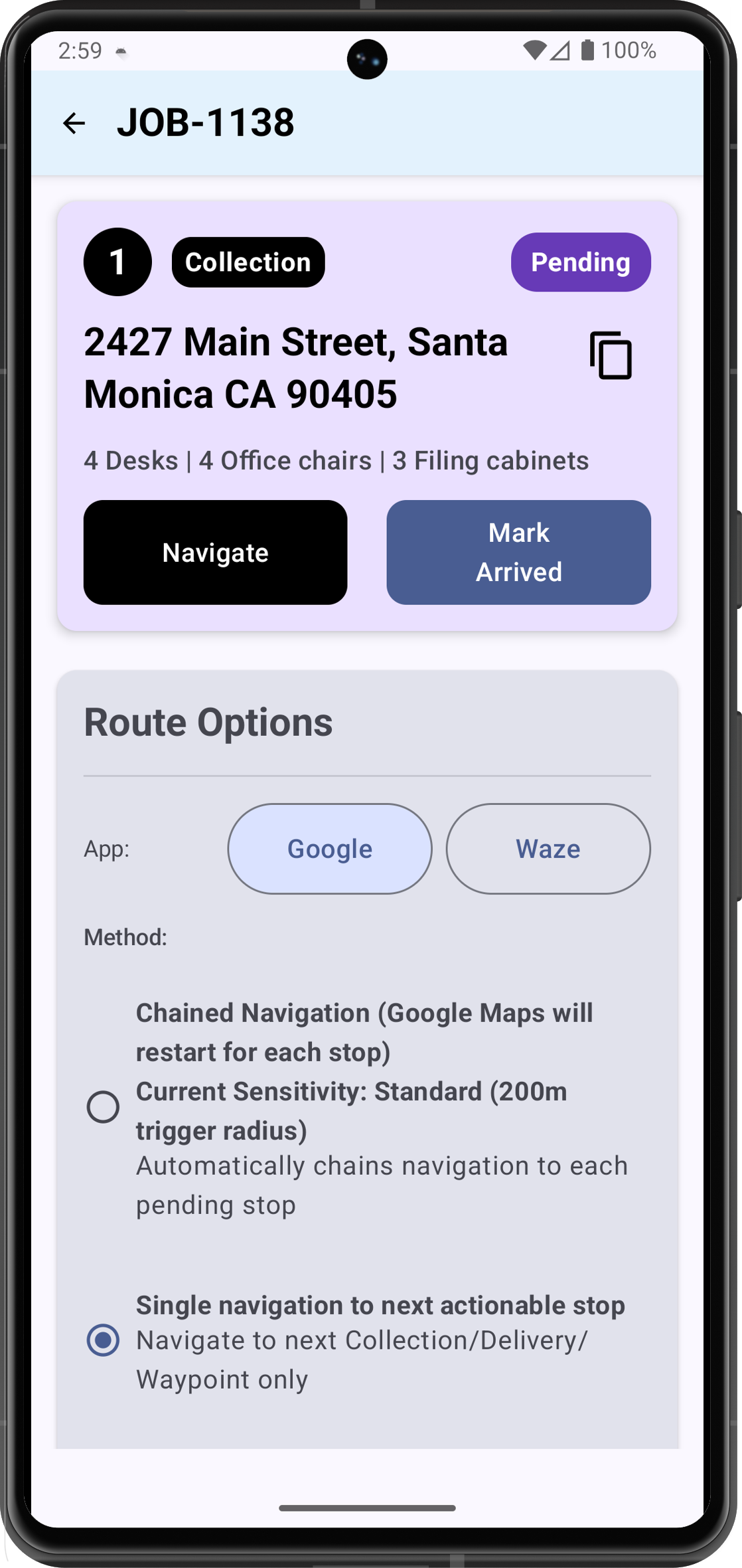
The app launches navigation automatically at each stop. When one is done, it moves straight to the next — no address typing while driving.
Updating stop status
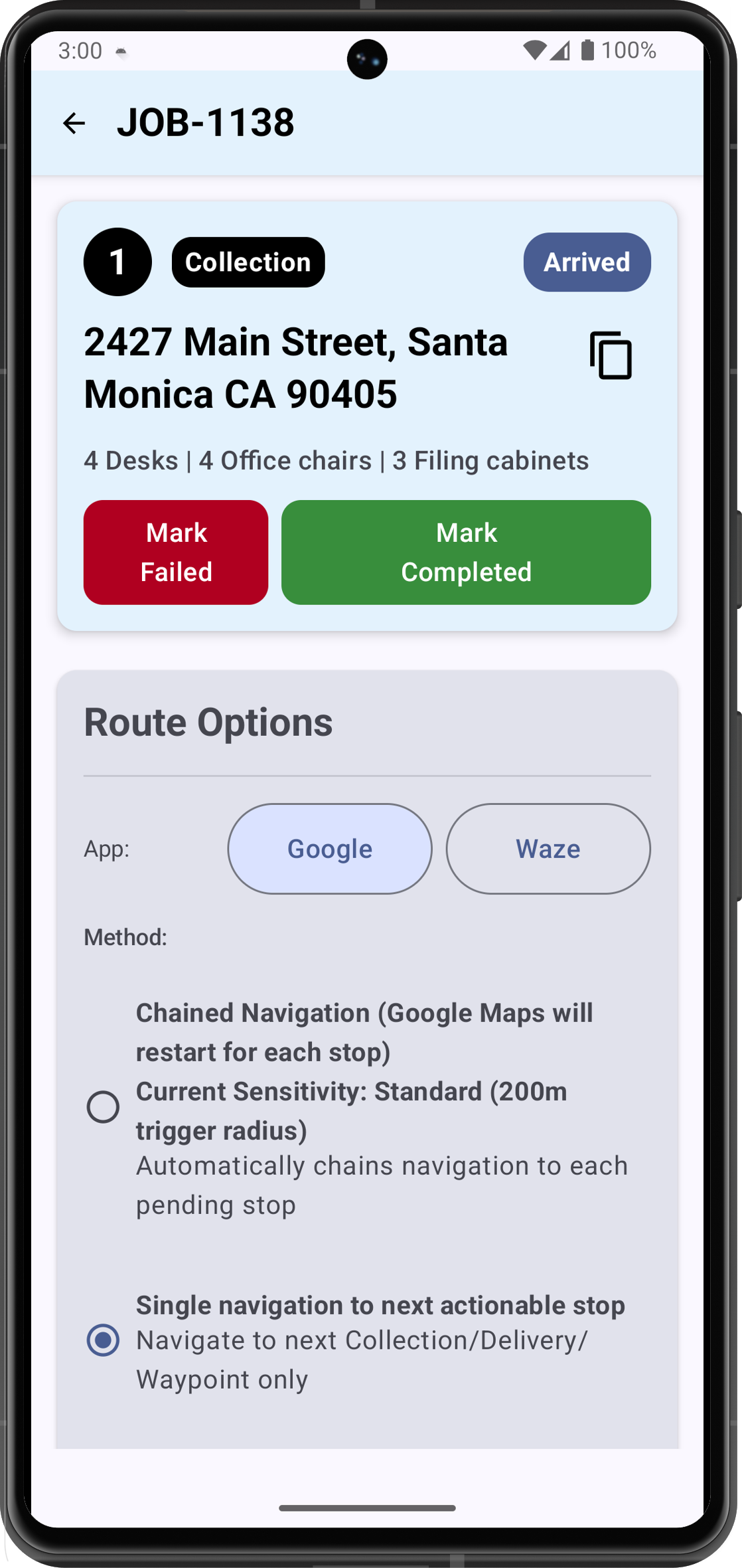
At each stop the driver taps Arrived, Completed, or Failed. Each update is timestamped and logged automatically.Works without signal
If signal drops, the app keeps working. Everything syncs automatically when connectivity returns.
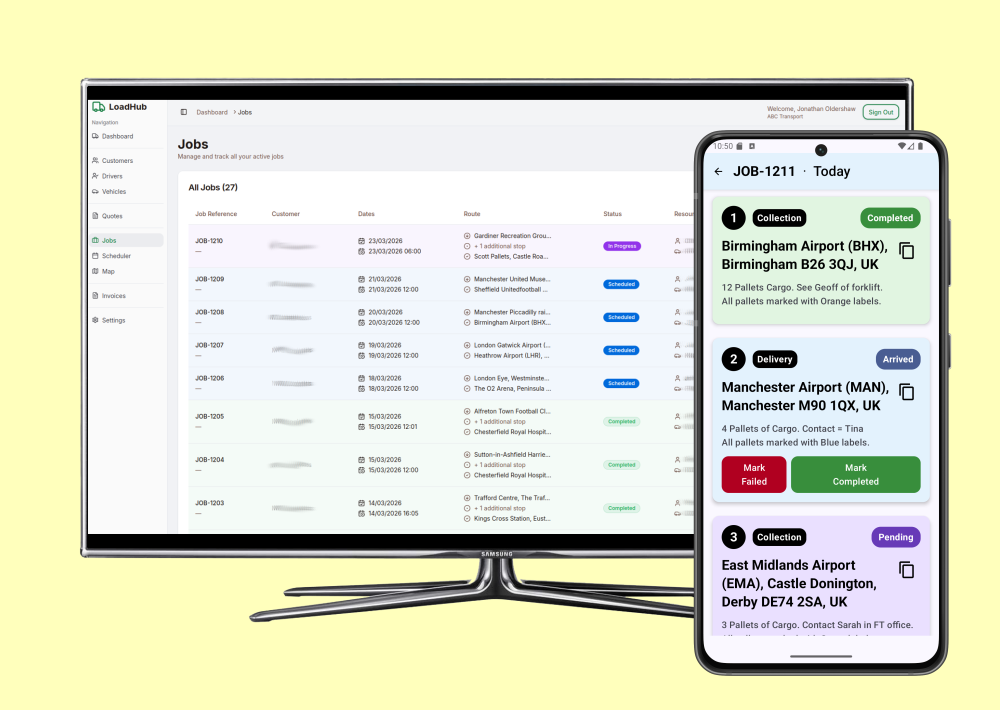
LoadHub Fleet is free to download on Android. Your planner sets up each driver in minutes. No training required — the app guides drivers through every job.
Your drivers know what to do.
Your office knows what's happening.
Nobody needs to pick up the phone.
How LoadHub Fleet works — from login to job complete.
Mark stops Arrived or Completed with one tap.
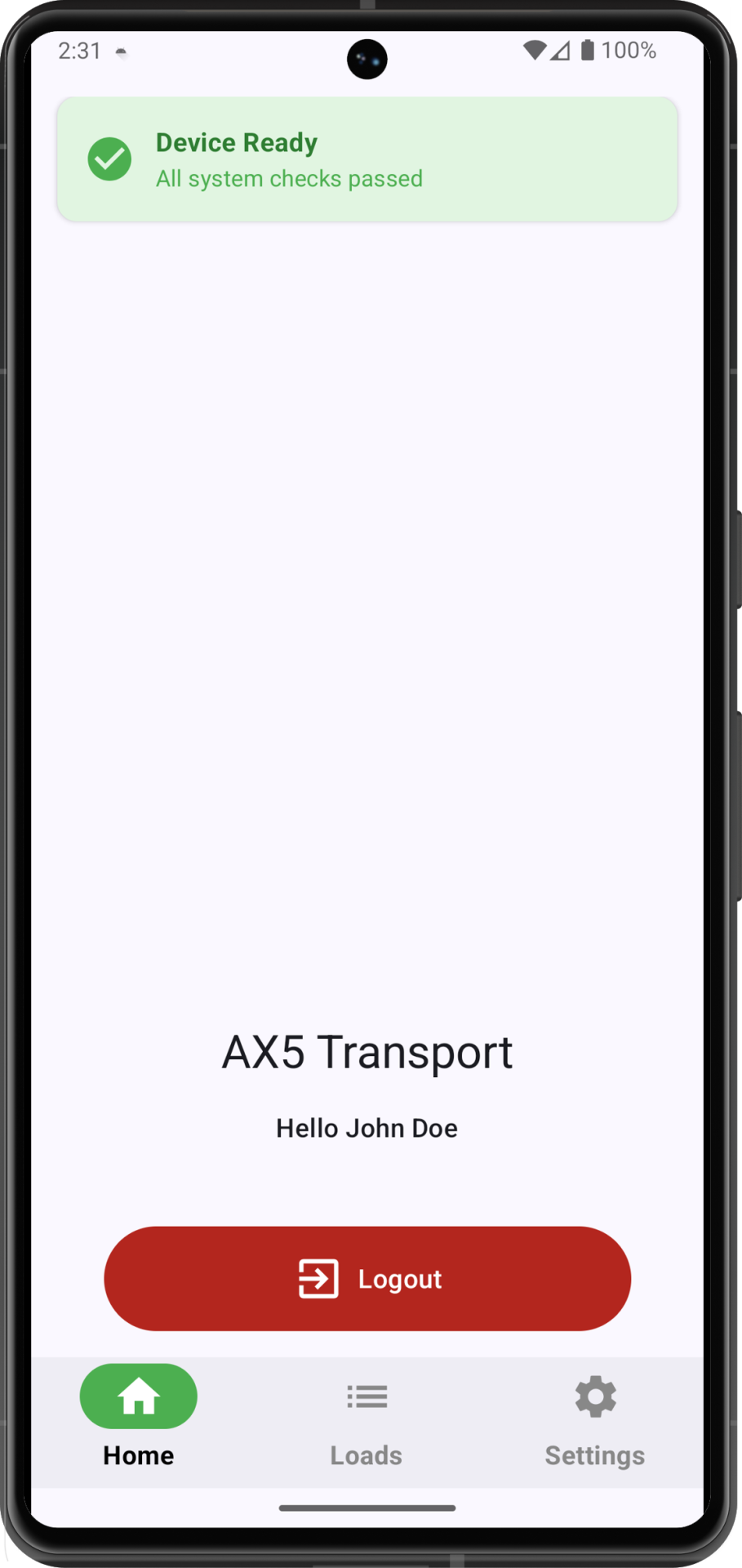
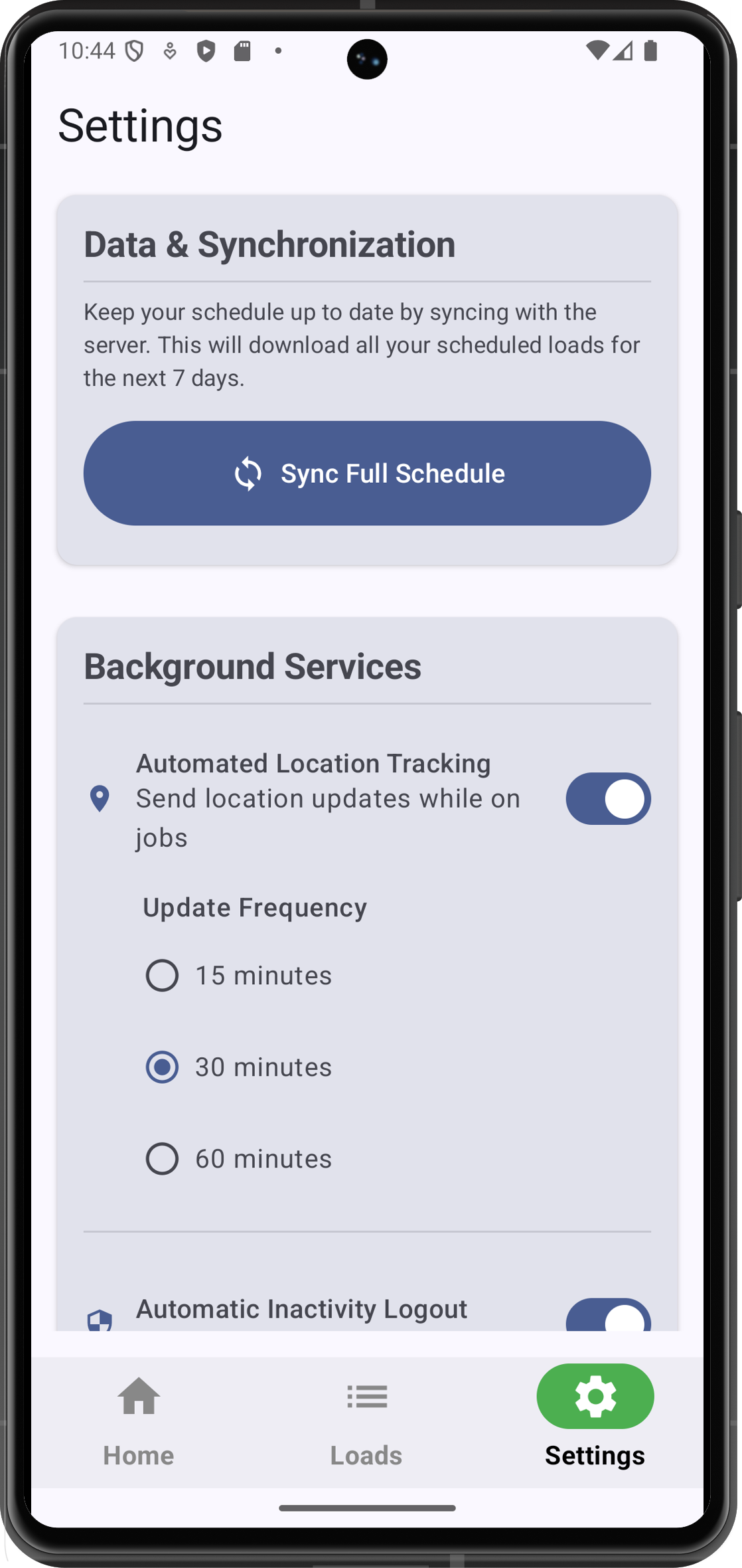
Settings give drivers control over navigation and sync preferences.
LoadHub Fleet — the Android app for your drivers
Your drivers are on the road, not at a desk. LoadHub Fleet gives them everything they need to get the job done — without calling the office.
Works without signal
Job details and navigation available even in rural blackspots. Updates sync automatically when connectivity returns.
No manual address entry
Navigates automatically to the next stop when a driver completes one.
Office sees everything in real time
Stop arrivals and completions update your dashboard and live map instantly.
GPS tracking throughout
Full location history for every job, automatically.
Less time on the phone. More loads completed.